
Home / Labor
For crews & laborers · Free
Show up, clock in, get paid right.
Homieva gives crew members and laborers one place for work offers, shifts, tasks, hours and pay — tied to the same project the contractor runs. Free, always.
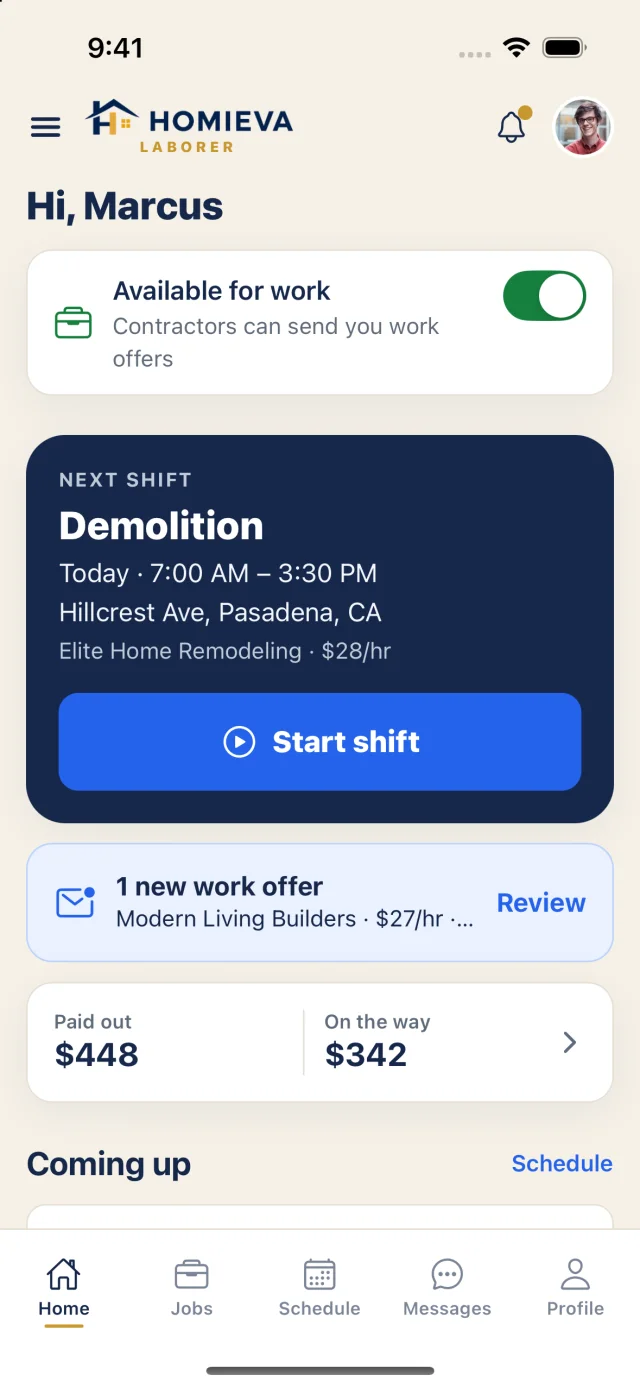
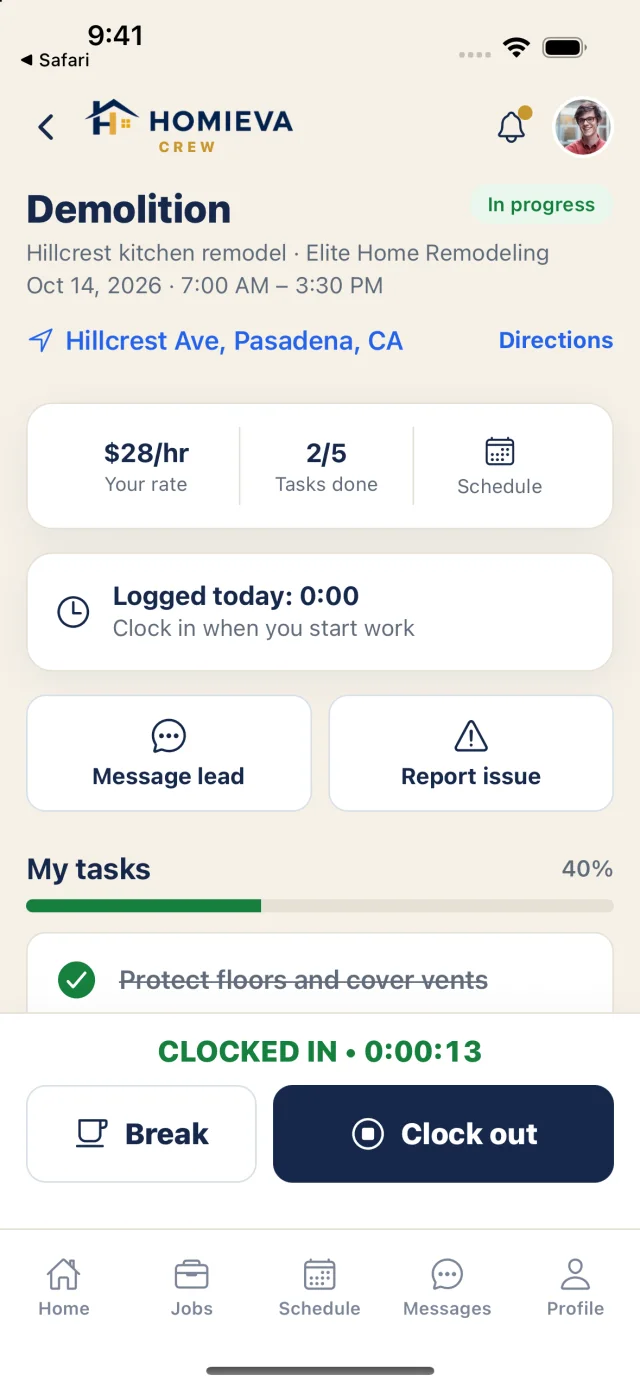
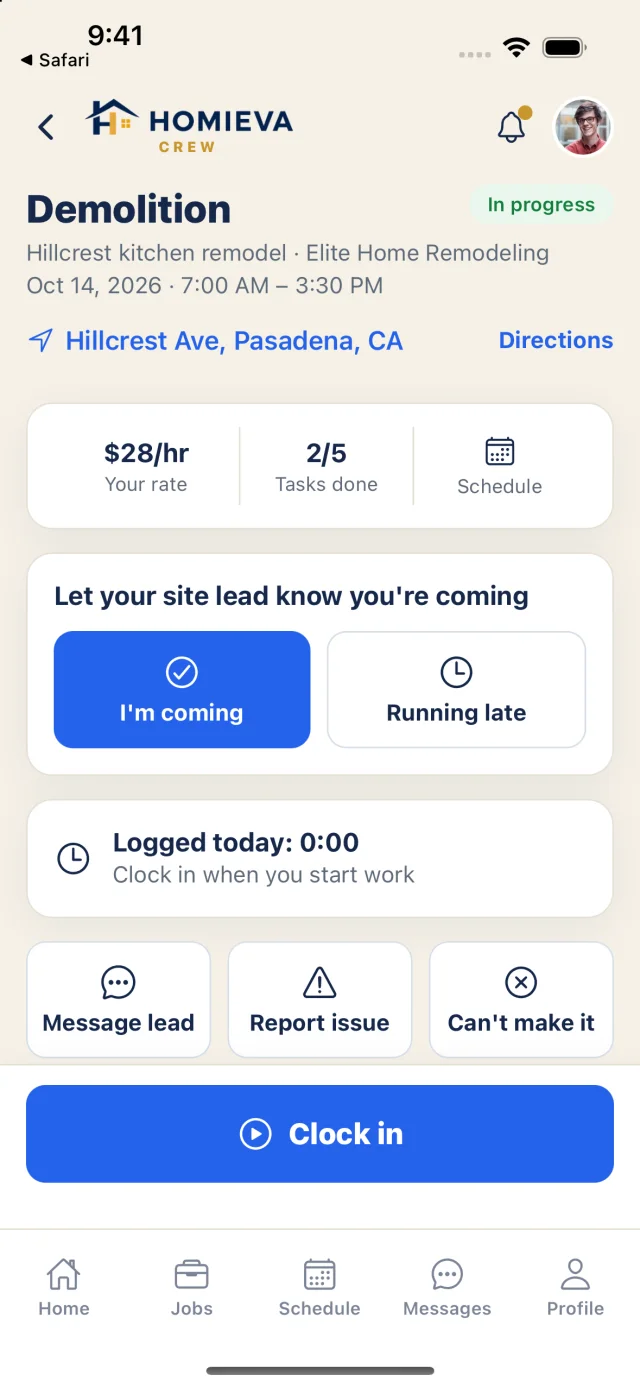
Real app screens: the laborer home and an active shift.
The crew workflow
Available → Offer → Shift → Clock → Paid
- Set availability
- Get an offer
- Accept
- Confirm shift
- Clock in
- Breaks
- Clock out
- Get paid
Work offers
AvailableKnow the pay before you say yes.
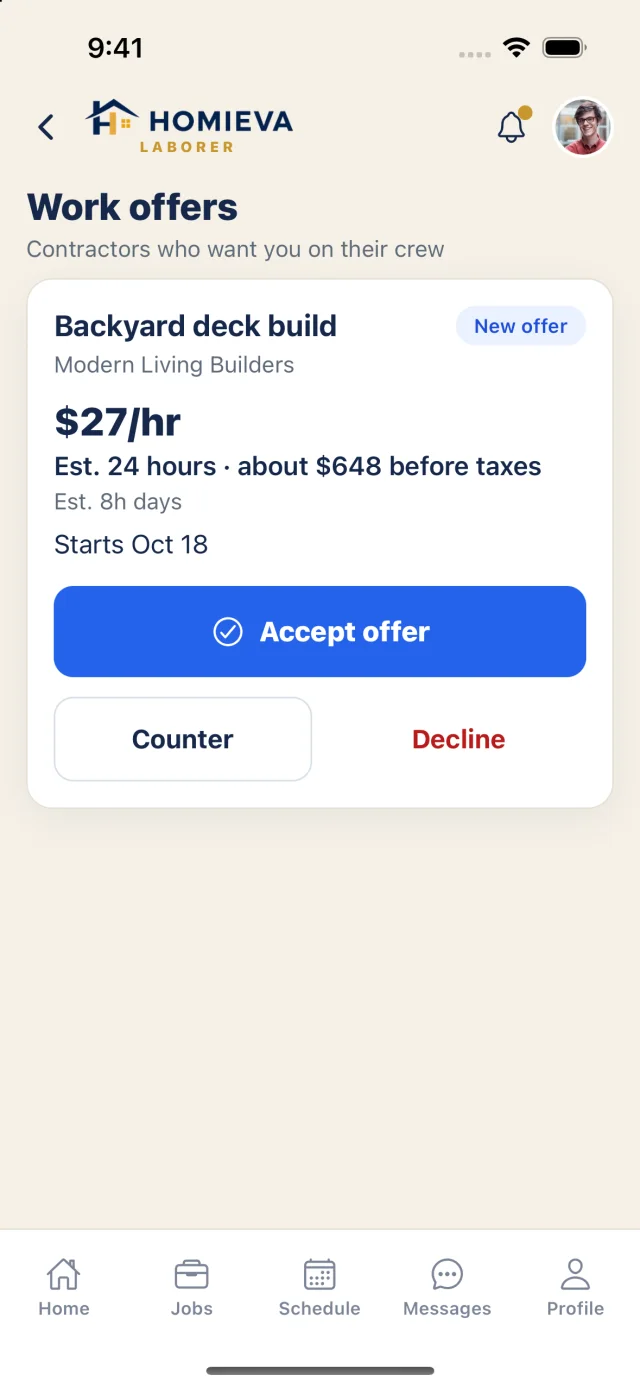
Offers come from contractors who want you on their crew, with the hourly rate, estimated hours, estimated pay before taxes and the start date. Accept, counter or decline — accepting creates your assignment.
On the job
AvailableOne time clock. Your tasks. Directions.
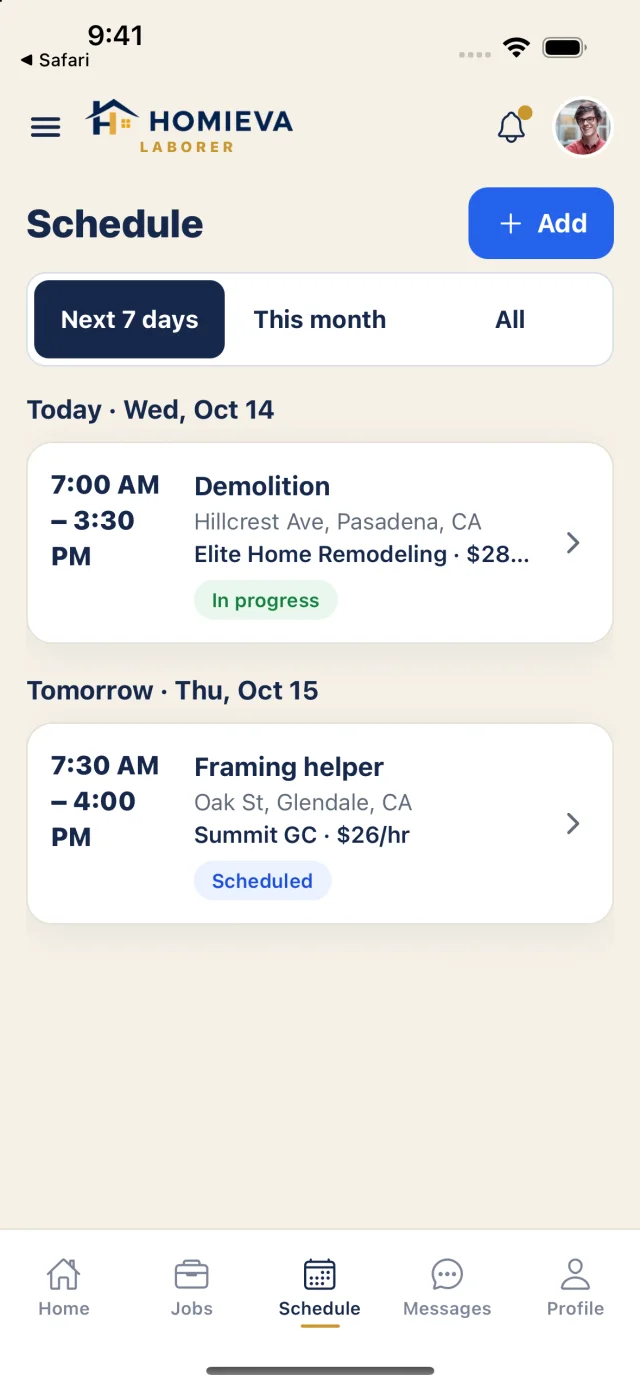
Your next shift with Start shift right on the home screen. Let the site lead know you're coming or running late, take breaks, report an issue, and see your tasks for the day. Punches made offline are queued and sent when you're back online.
Earnings
AvailableEvery hour, every payment.
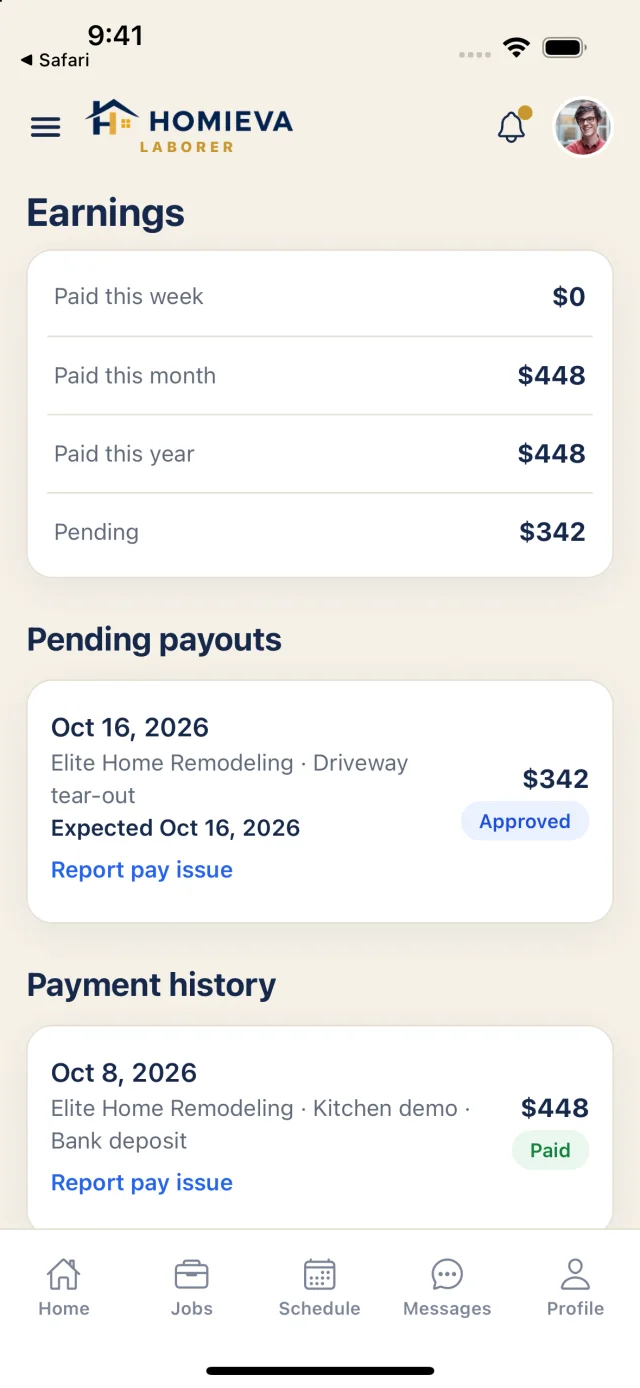
Hours × rate per job, plus the payments your contractor records: paid this week, month and year, what's still pending, and a payment history. Homieva doesn't send or hold money — your contractor pays you directly. Something wrong? Report a pay issue on the payment itself.
Privacy
AvailableOnly the work you're assigned.
Crew see the jobs and tasks they're assigned — never client pricing or the contractor's books. Your profile lists your trades, tools, transportation, travel distance and preferred language, so the right offers find you.
Free for crews. Always.
Explore the crew experience with sample data. Nothing here is saved.